
Potato Please Download (2026): Official Steam Install
Potato Please is sold only on Steam for Windows. Here is the official download path, price, install size, demo status and the fake-download traps to avoid.
Quick answer: The only official Potato Please download is the Steam version, app 5266240. It is a Windows 10/11 64-bit game, released on 3 November 2026, and the store listed $8.99 at a 10% discount from $9.99 when we checked on 8 November. There is no public demo, no mobile version and no console version. Any site offering a "free Potato Please download" is not an official storefront.
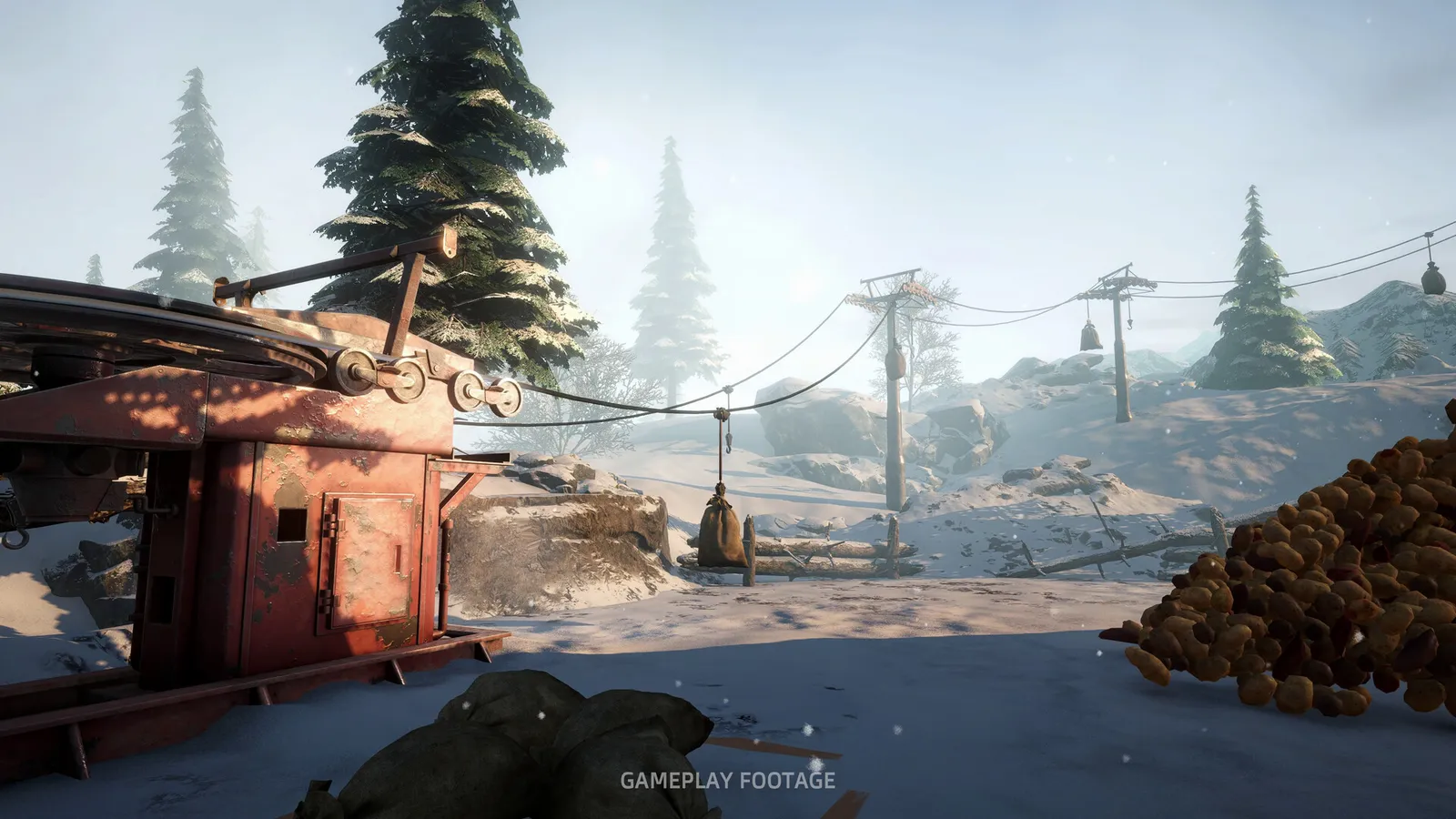
This page covers the official install path, what you actually receive, the store facts that matter before you buy, and the specific warning signs of a fake download page.
Potato Please is a PC game sold on Steam. There is no Android or iOS build, no PlayStation or Xbox listing, and no official "free download" outside Steam. An APK or a "full version unlocked" installer is not the game.
Store facts before you download
| Detail | Value |
|---|---|
| Store | Steam |
| App ID | 5266240 |
| Developer / publisher | Golden Horn Studios |
| Release date | 3 November 2026 |
| Base price | $9.99 |
| Current listing | $8.99 with a 10% discount |
| Platform | Windows 10/11 64-bit |
| Install size | 2 GB minimum, 4 GB recommended |
| Achievements | 20 |
| Controller | Full controller support |
| Cloud saves | Steam Cloud |
| Sharing | Family Sharing |
| Demo | No public demo; separate Playtest app 5391760 |
The price is regional and the discount is temporary. Check the Steam store page ↗ for the live number rather than trusting a cached price from a key site.
How to download Potato Please officially
- Install Steam from the official Valve site if you do not already have it.
- Sign in to your Steam account.
- Open the store page for app 5266240, or search "Potato Please" in the Steam client.
- Purchase the game and choose "Play" or "Install."
- Pick a drive with at least 4 GB free if you want the recommended install.
- Wait for the download and any post-launch patch to finish before launching.
- Launch from Steam, not from a desktop shortcut copied out of the install folder.
The download is small. If Steam reports a much larger size than the store's 2–4 GB range, you may be looking at a different app or a workshop item. If the install stalls or refuses to start, the game download troubleshooting page→ covers stuck downloads, disk write errors and black screens.
What you actually get
Potato Please is a 1.0 release, not an Early Access build. The launch version was followed by the 1.0.1 hotfix, which is delivered through Steam automatically. The hotfix covers input fixes, Troubleshooting cooldowns and several potato-loss bugs.
The store page lists no season pass, no paid expansion and no microtransaction currency. The only separate app is the Playtest build, which is not a content DLC.
You get the full campaign, the automation tools, the 20 achievements and Steam Cloud saves. There is no online mode, so there is no server dependency after the download.
Is there a Potato Please demo?
No public demo button is listed on the store page. App 5391760 is a Playtest build, not a demo. Access depends on the developer's playtest setup, and it is not a normal store download.
If you want to judge the game before buying, the review→ covers the first hour and the automation curve. The Steam page breakdown→ lists the specs, controller support and achievement count in one place.
Fake download pages: what to avoid
A $9.99 indie game is a common target for repack sites because the file is small and the demand is easy to fake. The warning signs are consistent:
- A "free download" button that is not Steam. The official game is not distributed as a direct EXE, a MediaFire link or a torrent.
- An APK or mobile installer. No mobile version exists.
- A password-protected archive. Legitimate store downloads do not arrive as a RAR with a password in a video description.
- A request for your Steam login. Steam does not ask you to sign in on a third-party download page.
- A "crack" that disables updates. You lose the 1.0.1 fixes and any future patch.
- A bundled installer with extra software. Decline the extras, or better, close the page.
The practical cost of a repack is higher than the sale price. You give up Steam Cloud, Family Sharing, automatic updates and the ability to verify game files. You may also install malware. The cheats page→ covers why there is no code or unlock shortcut, and the trainer page→ covers the risks of external tools.
System requirements
| Component | Minimum | Recommended |
|---|---|---|
| OS | Windows 10/11 64-bit | Windows 10/11 64-bit |
| CPU | Intel Core i5-8400 or AMD Ryzen 5 2600 | Intel Core i5-10400 or AMD Ryzen 5 3600 |
| RAM | 8 GB | 16 GB |
| GPU | GeForce GTX 1060 or Radeon RX 580 | RTX 2070 or RX 5700 XT |
| Storage | 2 GB | 4 GB |
The game is not GPU-heavy, but the later automation scenes put more objects on screen. A laptop with a low-wattage GPU may still struggle at high settings. There is no Mac or Linux build; Steam Deck runs it through the Windows compatibility layer, not a native port.
If the download or launch fails
- Verify the game files. In Steam, open the game's Properties → Installed Files → Verify integrity. This replaces a corrupted download without deleting your save.
- Check the drive. The install needs free space beyond the download size for patching.
- Update the GPU driver. A stale driver is a common cause of a black screen on first launch.
- Remove overlays. If the game launches to a black screen, disable the Steam overlay and any third-party overlay for one test.
- Check Windows version. The store lists Windows 10/11 64-bit. Older Windows builds are not supported.
- Do not run a trainer during troubleshooting. Remove it first, then verify the files.
If the purchase itself is the problem, use Steam's standard refund flow. Refund eligibility depends on playtime and the purchase date, so check the policy in your region rather than relying on a guide.
FAQ
Where can I download Potato Please?
Only on Steam, app 5266240. There is no official standalone installer or mobile version.
How much does Potato Please cost?
The base price is $9.99. The store listed $8.99 with a 10% discount on 8 November 2026.
Is Potato Please free?
No. It is a paid game. "Free download" pages are not official.
Is there a demo?
No public demo. App 5391760 is a Playtest build, not a demo.
How big is the download?
The store lists 2 GB minimum and 4 GB recommended.
Does it run on Mac or Linux?
No native build is listed. It is Windows-only; Steam Deck uses compatibility, not a native port.
Is the Steam version complete?
Yes. It is the 1.0 release with the 1.0.1 hotfix, not an Early Access build.
Sources
More Potato Please Guides
Potato Please Achievements: All 20 and How to Unlock Them
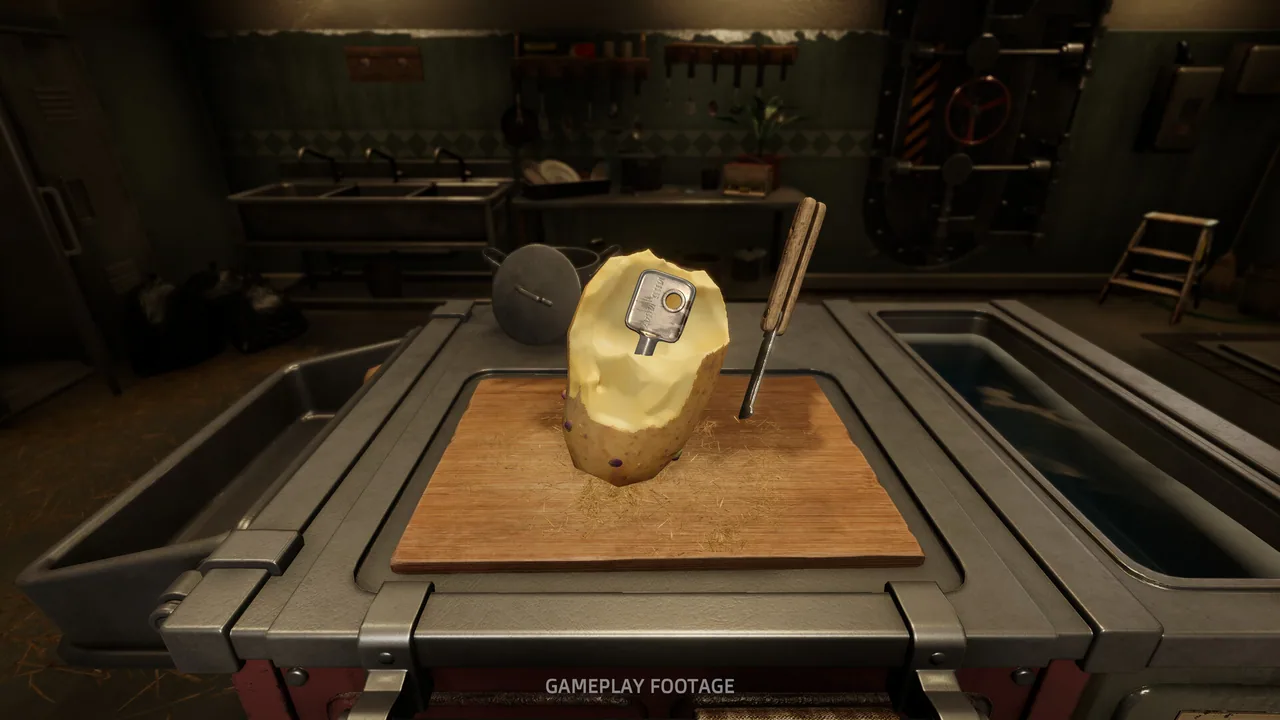
Every Potato Please achievement, grouped by type: peeling counters, automation, story flags and the four ending unlocks. Nineteen are safe, one is missable.

Potato Please All Endings: Three Levers and a Secret
Clear 60,000 potatoes, take the Golden Key, and the train board offers three destinations. What each ending unlocks, and the fourth that needs Pavel.
Potato Please Automation: The Machine Line in Order
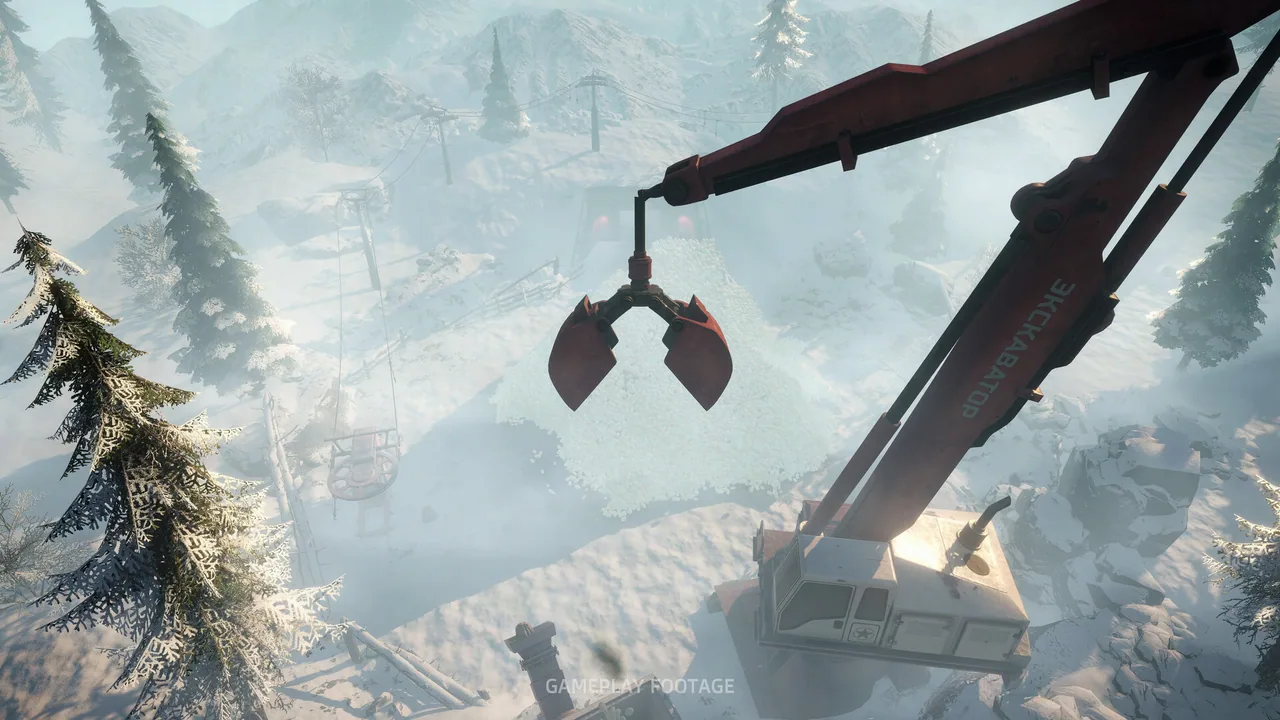
A working Potato Please automation line, in dependency order: workbench, hand peeler, auto peeler, sack gantry, cableway and claw crane, with prices in RUB.
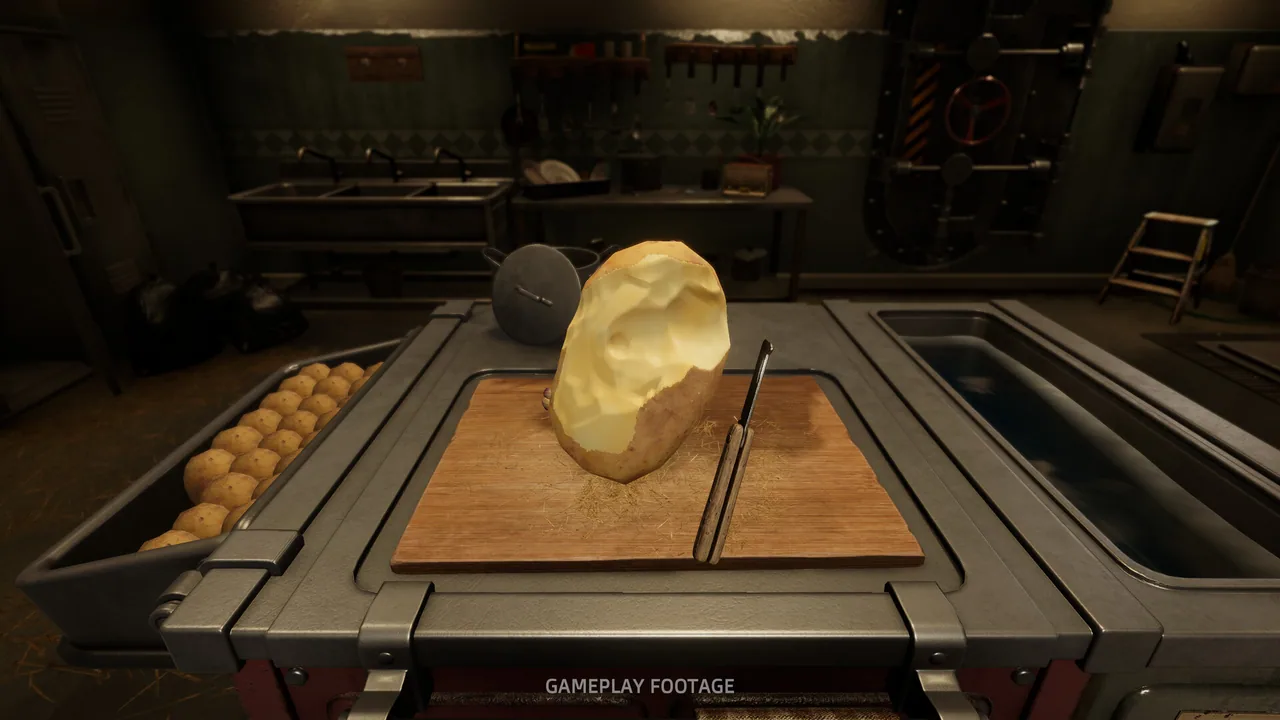
Potato Please Beginner Guide: Your First Two Shifts
The first two shifts of Potato Please: how peeling actually works, what to buy with your first rubles, and the three early mistakes that stall a run.

Potato Please Best Ending: Which Route to Pick
No Potato Please ending is best mechanically, but one route fits each run. Compare the three train endings and see them all from one completed save.
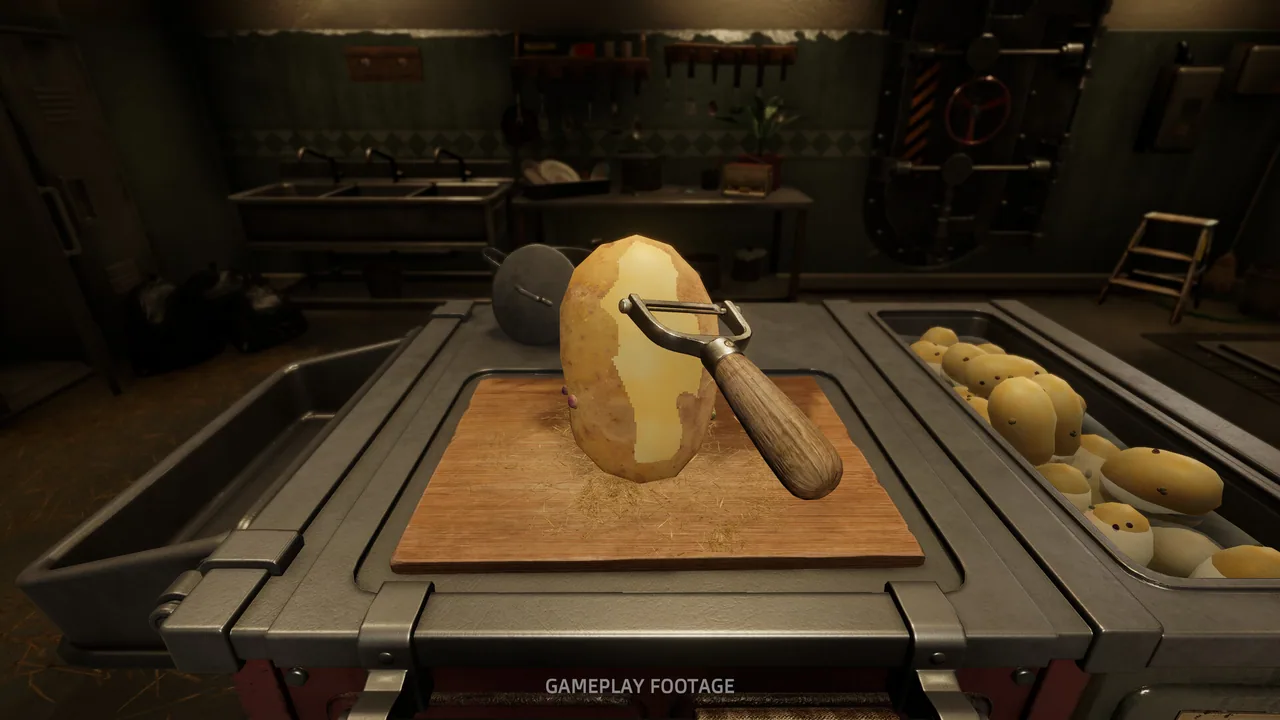
Potato Please Best Knife: Steel vs Rusty
The best knife in Potato Please is the Steel Knife at $2.70. See why it beats the Rusty Knife, when to buy it and what it cannot fix.
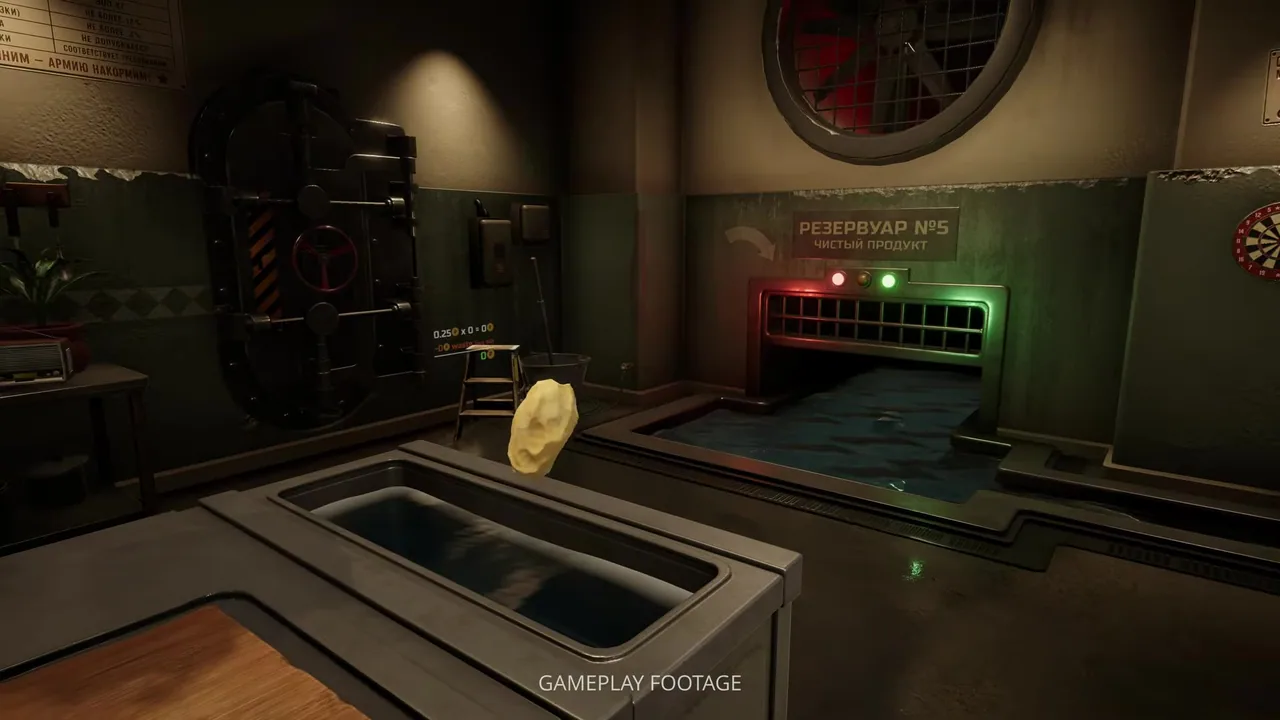
Potato Please Best Tools: Ranked for Each Phase
The best tools in Potato Please by phase, from the Steel Knife to the Auto Peel Machine, with prices and the jobs each one actually does.
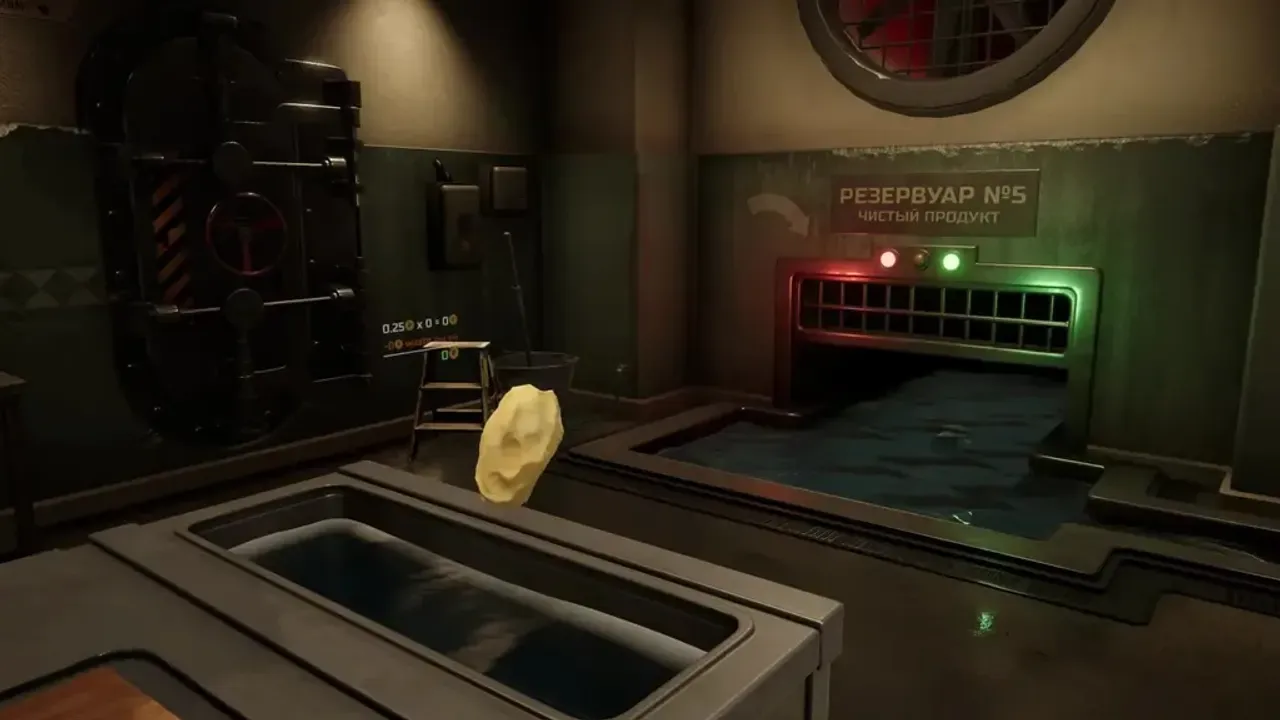
Potato Please Best Weapons: The Knife Is a Tool
Potato Please has no combat and no weapon list. What the knife actually does, which upgrades change peel speed, and what to buy first for the quota.