
Potato Please Game Download: Install Steps and Fixes
How to download and install Potato Please on Steam, how big the download is, and fixes for a stalled download, disk write errors and a black screen at launch.
The Potato Please game download is a Steam download, app 5266240. There is no separate launcher, no official installer file and no storefront other than Steam. The download is small — the store lists 2 GB minimum and 4 GB recommended — so most problems people hit are not about speed but about the client refusing to finish or the game not starting afterwards.
This page covers the install in order, then the fixes for the failure cases that show up in the Steam discussions.
If a page offers a "Potato Please game download" as an exe, a zip or an APK, it is not the game. The only legitimate path is the Steam store page and the Steam client.
Install steps
- Open the Steam store page ↗ and buy or add the game to your library.
- In the Steam client, open Library and select Potato Please.
- Choose Install.
- Pick a drive with at least 4 GB free if you want the recommended footprint.
- Let Steam download and verify. The first launch may take a few seconds longer while shader caches build.
The game is Windows 10/11 64-bit only. There is no macOS or Linux build, and Proton compatibility has not been rated by the developer. If you are on a Steam Deck, expect to test it yourself; no official verification exists.
How big is the download really?
The store's numbers are 2 GB minimum and 4 GB recommended. If Steam reports something much larger, check what you are installing: a Workshop item, a beta branch, or a different app. Potato Please has no large DLC at the time of writing.
Disk space and download size are not the same. Steam needs room to unpack, so keep a few extra gigabytes free on the target drive even if the download is under 4 GB.
Download stuck at 0 percent
A download that sits at 0 percent is usually a content-server or queue problem, not a game problem. Try these in order:
- Pause and resume the download in the Steam download manager.
- Change the download region in Steam settings, then resume.
- Clear the download cache from Steam settings and sign in again.
- Check that the drive is not full and is not a removable or network drive.
If the download moves but crawls, the cause is usually the content server rather than your connection. Switching region is the fastest test.
Disk write error
A disk write error on a 2–4 GB game almost always means one of three things: the drive is full, the folder is read-only, or antivirus is holding a file. Check free space first, then exclude the Steam library folder from real-time scanning, then retry.
Do not delete the whole library to fix one game. Use Properties → Installed Files → Verify integrity of game files; it re-downloads only what is missing or corrupt.
Game will not start
If the install completes and nothing happens:
- Run the game directly from the library, not from a desktop shortcut that may point at an old path.
- Verify integrity.
- Update the GPU driver. Potato Please is a physics-heavy game and old drivers are a common cause of a black screen at launch.
- Check the game's install folder for a crash log before reinstalling. Reinstalling a 2 GB game is cheap, but it erases the evidence.
A black screen on first launch that resolves after a few seconds is usually shader compilation, not a crash. Give it a minute before killing the process.
Do you need the demo or a beta branch?
No public demo is listed. If a beta branch appears in the game's properties, it is optional and not required for the normal game. Do not opt into a beta to fix a download problem; that adds a variable.
The store page lists Steam Cloud. A fresh install should pull your save automatically. If it does not, launch once, close the game, and check that Cloud is enabled for the account.
After install
The first shift is a tutorial in disguise. The beginner guide→ covers the opening route, the system requirements page→ covers the hardware tiers, and the download page→ covers price and fake-download traps.
If you are reinstalling to fix a save problem, back up the save folder first. The game's save location is not documented in one official place, so copy the whole folder rather than guessing which file matters.
FAQ
Is Potato Please free to download?
No. It is a paid Steam game. The store listed $9.99 with a launch discount when checked in November 2026.
How large is the install?
2 GB minimum, 4 GB recommended.
Can you download it on phone?
No. There is no Android or iOS version.
Why does Steam say the download is corrupted?
Run Verify integrity of game files. If it fails repeatedly, the drive or the antivirus is the usual cause.
Official source: Potato Please on Steam ↗
Official source: Steam discussions hub ↗
More Potato Please Guides
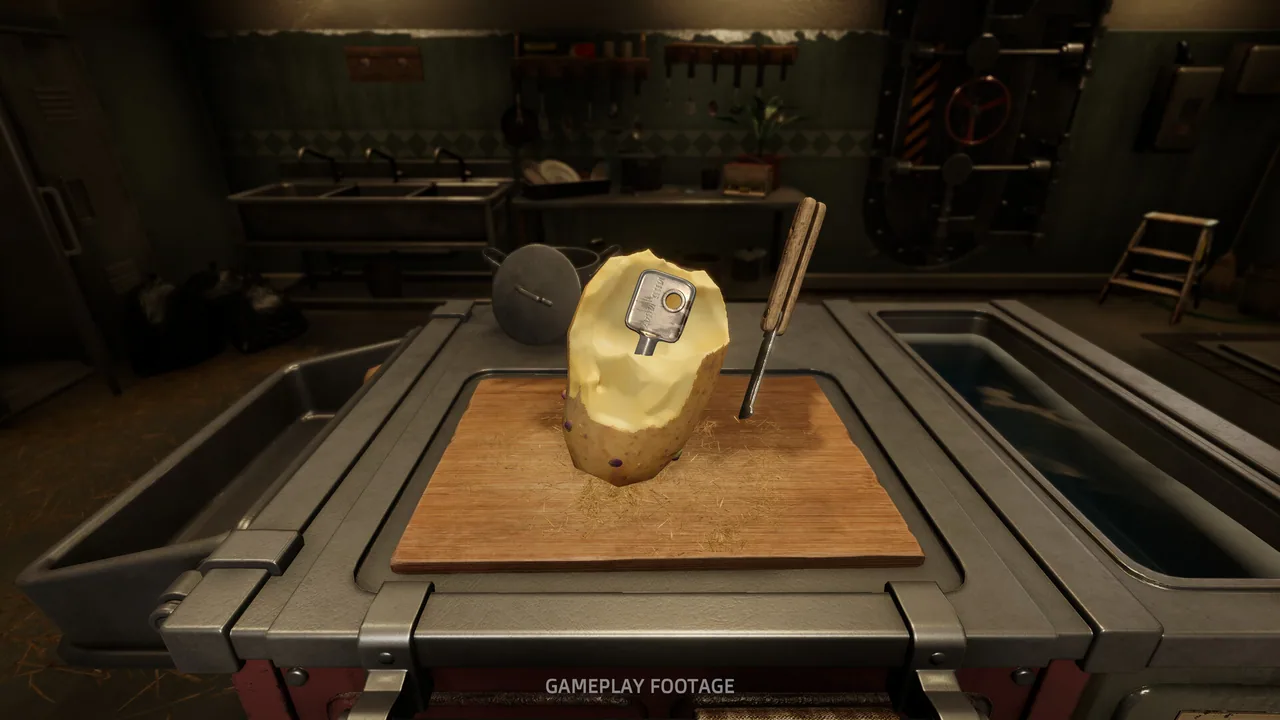
Potato Please Achievements: All 20 and How to Unlock Them
Every Potato Please achievement, grouped by type: peeling counters, automation, story flags and the four ending unlocks. Nineteen are safe, one is missable.
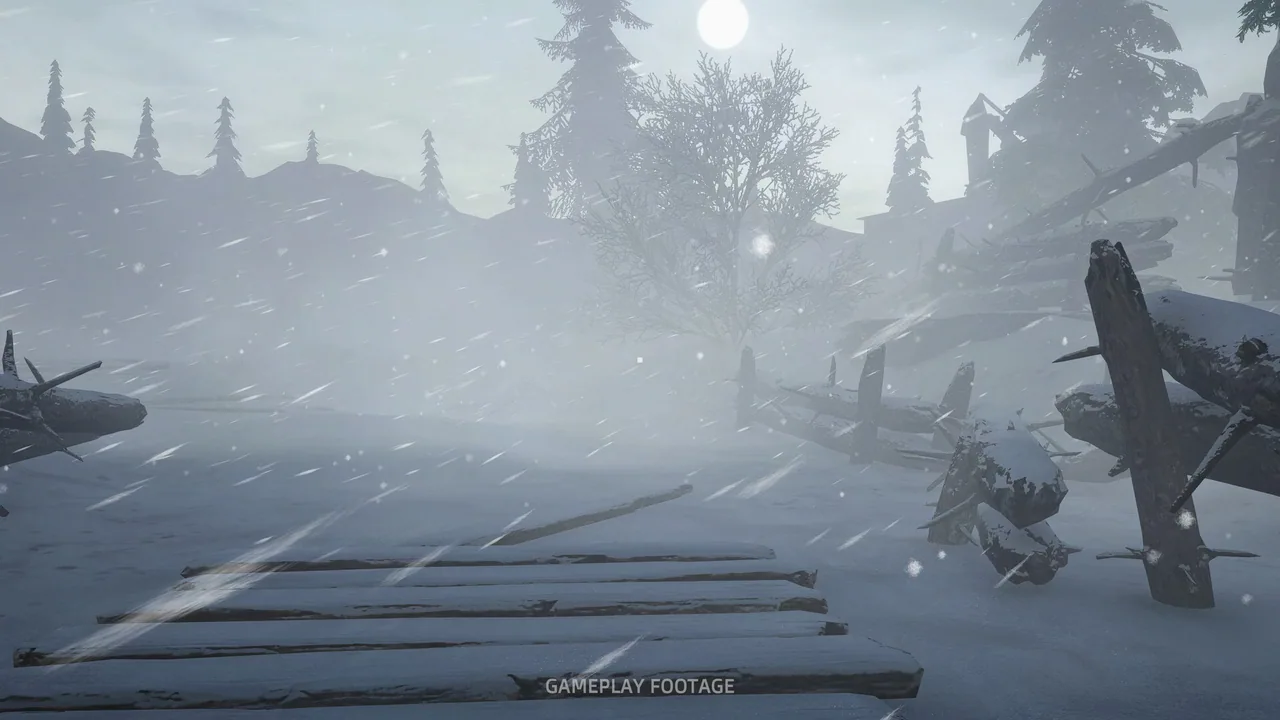
Potato Please All Endings: Three Levers and a Secret
Clear 60,000 potatoes, take the Golden Key, and the train board offers three destinations. What each ending unlocks, and the fourth that needs Pavel.
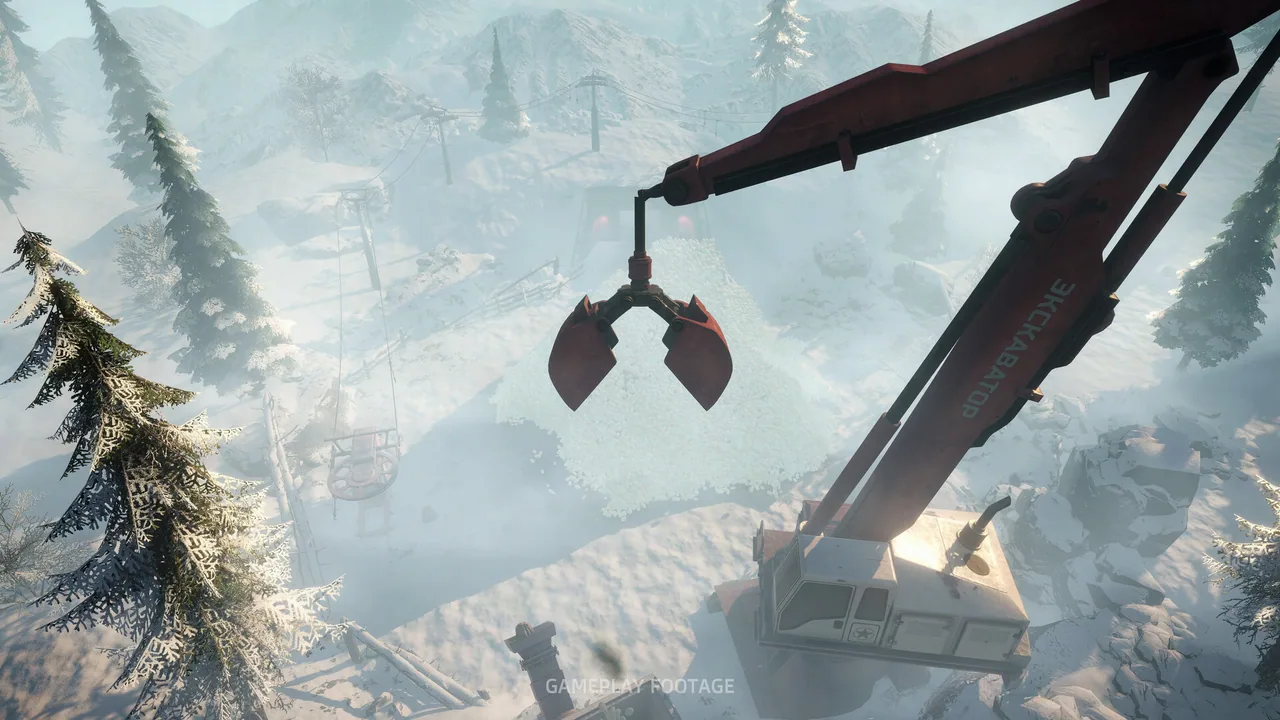
Potato Please Automation: The Machine Line in Order
A working Potato Please automation line, in dependency order: workbench, hand peeler, auto peeler, sack gantry, cableway and claw crane, with prices in RUB.
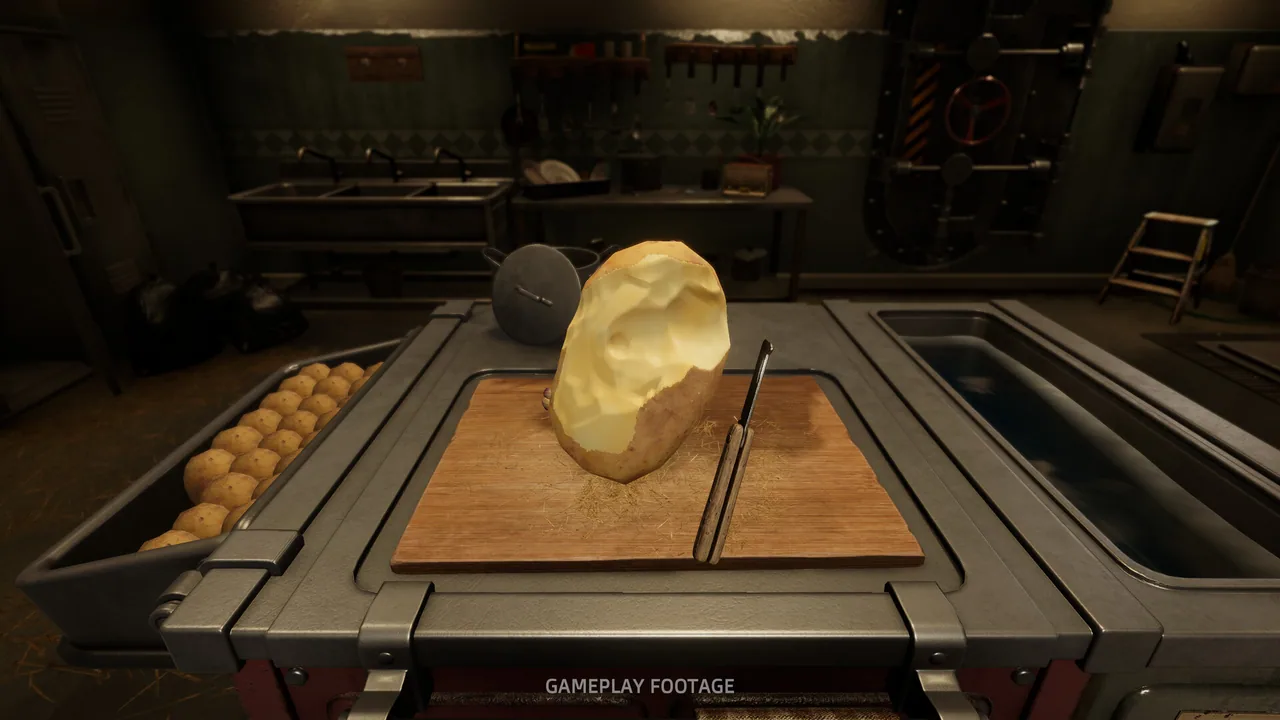
Potato Please Beginner Guide: Your First Two Shifts
The first two shifts of Potato Please: how peeling actually works, what to buy with your first rubles, and the three early mistakes that stall a run.
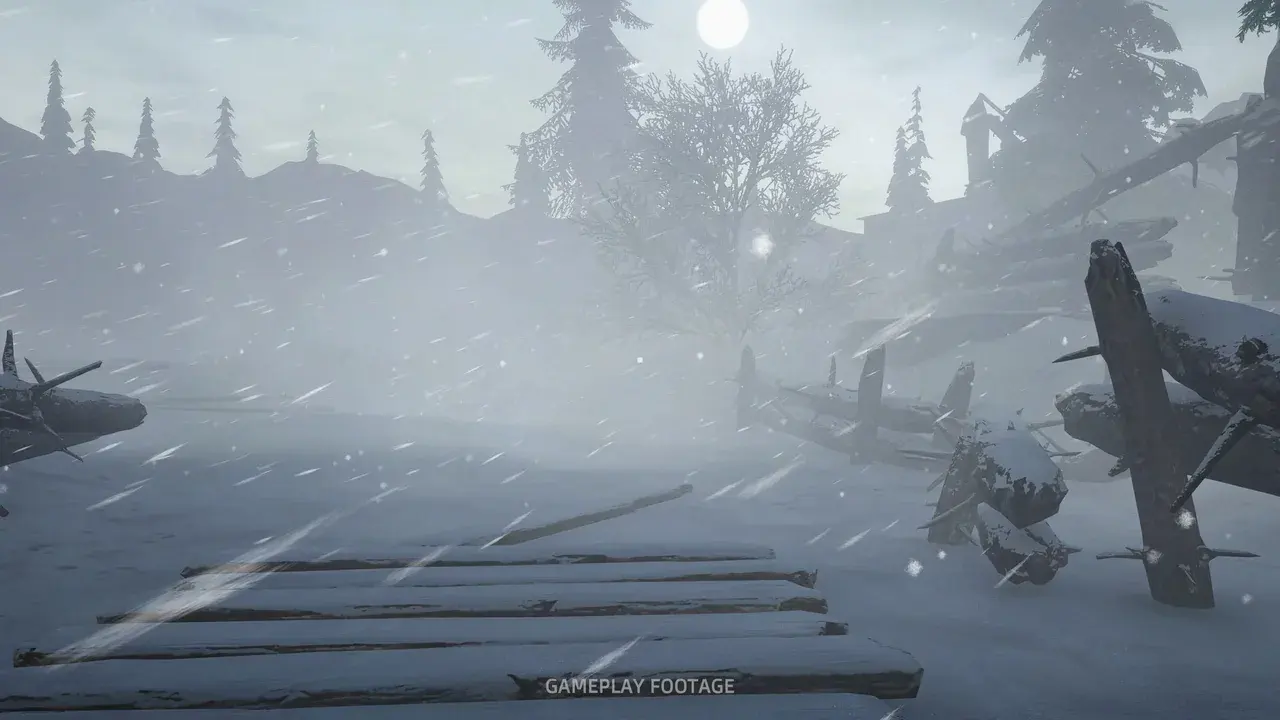
Potato Please Best Ending: Which Route to Pick
No Potato Please ending is best mechanically, but one route fits each run. Compare the three train endings and see them all from one completed save.
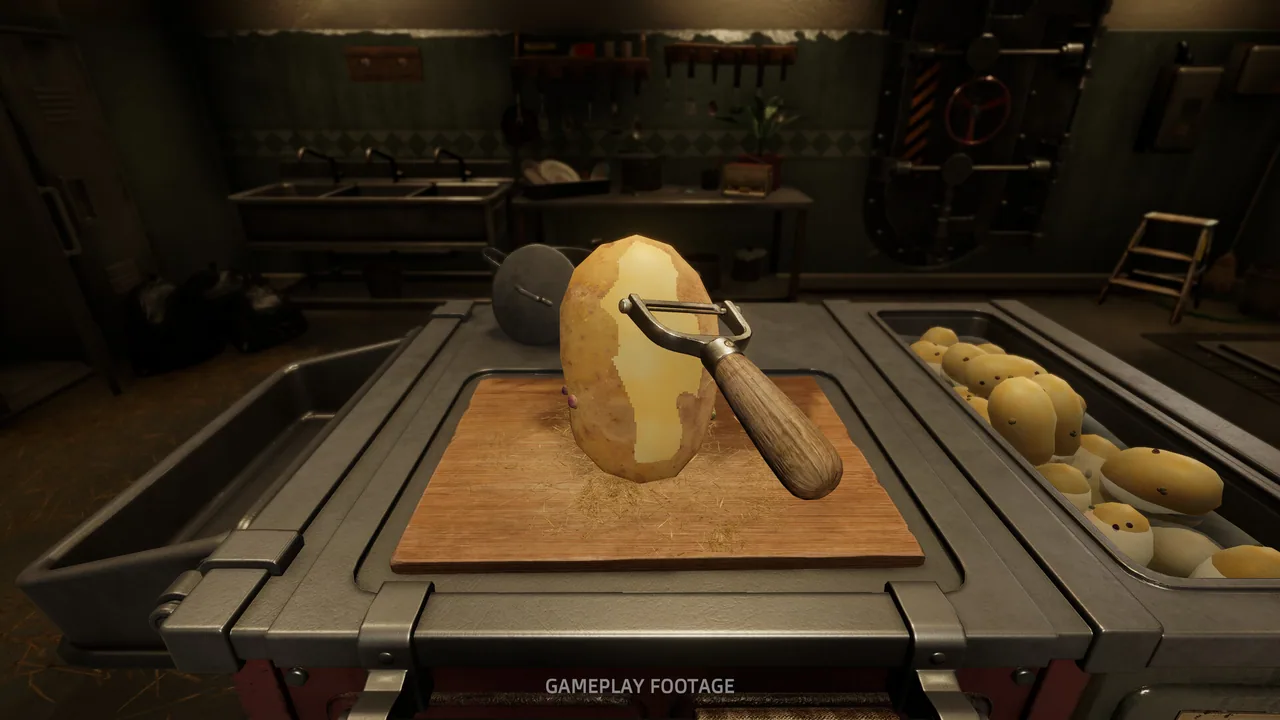
Potato Please Best Knife: Steel vs Rusty
The best knife in Potato Please is the Steel Knife at $2.70. See why it beats the Rusty Knife, when to buy it and what it cannot fix.
Potato Please Best Tools: Ranked for Each Phase
The best tools in Potato Please by phase, from the Steel Knife to the Auto Peel Machine, with prices and the jobs each one actually does.
Potato Please Best Weapons: The Knife Is a Tool
Potato Please has no combat and no weapon list. What the knife actually does, which upgrades change peel speed, and what to buy first for the quota.