
Potato Please System Requirements: Can Your PC Run It?
Official Potato Please PC specs, what the minimum and recommended tiers mean in practice, Steam Deck notes and the settings that matter most.
Quick answer: Potato Please needs a 64-bit Windows 10 or 11 PC, an Intel Core i5-8400 or AMD Ryzen 5 2600, 8 GB of RAM, a GeForce GTX 1060 or Radeon RX 580, and 2 GB of storage. The recommended tier raises the CPU to an i5-10400 or Ryzen 5 3600, the RAM to 16 GB, the GPU to an RTX 2070 or RX 5700 XT, and the install to 4 GB.
Those numbers come from the official Steam listing, not from a benchmark. They describe the hardware the developer expects to run the game, not a guaranteed frame rate at a specific resolution. That distinction matters because Potato Please is a physics-heavy game with a large number of objects on screen, and the later shifts are much heavier than the first hour. If you have not bought the game yet, the Steam page breakdown→ covers the price, release date and store features.
The official specs
| Component | Minimum | Recommended |
|---|---|---|
| OS | Windows 10/11 64-bit | Windows 10/11 64-bit |
| CPU | Intel Core i5-8400 or AMD Ryzen 5 2600 | Intel Core i5-10400 or AMD Ryzen 5 3600 |
| RAM | 8 GB | 16 GB |
| GPU | GeForce GTX 1060 or Radeon RX 580 | GeForce RTX 2070 or Radeon RX 5700 XT |
| Storage | 2 GB | 4 GB |
| DirectX | Not listed | Not listed |
The store lists no DirectX version, no VRAM figure and no target resolution. The GPU names are the only graphics guidance. That is unusually thin, even for a small indie game, so the practical advice below is about matching the tier rather than chasing a number.
What does the minimum tier actually mean?
The minimum tier is a 2017-era gaming PC: a six-core i5-8400, 8 GB of RAM and a GTX 1060 6 GB or RX 580 8 GB. That is enough to run the game at 1080p with settings reduced, but it is not a comfortable target for the final 60,000-potato order.
The reason is the potato count. Early shifts have a few dozen objects. The final order has thousands of potatoes, multiple machines, conveyors, a crane and weather effects. Physics and draw calls scale with that count. A machine that meets the minimum can still drop frames when the pile is at its largest, especially if the GPU has the 3 GB version of the GTX 1060 rather than the 6 GB version.
The CPU matters too. Potato Please simulates potato physics and machine interactions, and the i5-8400 is the floor for a reason. A dual-core laptop CPU from the same era may boot the game and still stutter when the line is full.
What does the recommended tier add?
The recommended tier is not a 4K target. It is headroom: a newer six-core CPU, 16 GB of RAM and a GPU roughly one tier above the minimum. The extra RAM helps with the largest piles and with background applications. The faster CPU helps when many machines are running at once. The stronger GPU helps with shadows, resolution and the visual effects during the storm.
If you are building or upgrading for this game alone, the recommended tier is overkill for a $9.99 title. If you already own a modern gaming PC, you are above it. The useful question is not "can I run it?" but "can I run the final shift without the line turning into a slideshow?"
Is a GTX 1060 enough?
Yes, at the minimum level. The GTX 1060 is the named minimum GPU, so the game is expected to launch and run on it. The important caveat is the VRAM variant. The 6 GB model has more room for textures and the large potato piles than the 3 GB model. If you have the 3 GB card, lower the resolution and shadow quality before the final order, and close background applications that use video memory.
There are no official benchmark numbers, so anyone quoting a specific average frame rate is guessing. Treat "60 fps on a GTX 1060" as a claim to test on your own machine, not a specification.
What about laptops?
Laptop GPUs with the same name are not the same as desktop cards. A laptop GTX 1060 is slower than a desktop GTX 1060, and a laptop RTX 2070 may be limited by power and cooling. Check the wattage and the VRAM, not just the model number.
The other laptop issue is RAM. Many thin laptops ship with 8 GB soldered and no upgrade slot. That meets the minimum, but it leaves little room for the game, Windows and a browser. Close Chrome before the final shift. If you have 16 GB, you are in the recommended range and should not need to think about it.
Does Potato Please run on Steam Deck?
There is no official Steam Deck rating and no native Linux build. Potato Please is a Windows-only game. On a Steam Deck, it runs through Proton, Valve's Windows compatibility layer, and performance depends on the Proton version and the frame cap.
The safe statement is: it is not officially supported. The game's controller support makes it a natural fit for the Deck, and the small install size helps, but you should check ProtonDB for current reports before buying. Do not expect the same experience as a Verified title.
Which settings should you change first?
The game does not publish a detailed graphics menu in its store listing, so the advice is general:
- Resolution. Drop from 1440p to 1080p before touching anything else. It is the biggest single saving on a mid-range GPU.
- Shadows. Large potato piles and moving machines cast a lot of shadows. Lowering shadow quality usually helps more than lowering texture quality.
- Frame cap. Cap at 60 fps rather than leaving the game uncapped. A stable 60 feels better than a fluctuating 80.
- Background apps. Close browsers and overlays. The game is small, but the final shift is not.
- Windowed mode. If you alt-tab often, windowed or borderless can reduce the cost of switching.
Do not turn everything to low on a machine that meets the recommended tier. The game is not demanding enough to justify it, and the visual clarity of the potato pile matters for spotting waste.
A GTX 1060 comes in 3 GB and 6 GB versions. The store lists the card, not the memory. If you have the 3 GB model, lower the resolution and shadows before the final 60,000-potato order.
Storage and install
The minimum install is 2 GB and the recommended install is 4 GB. That is a small footprint, but leave some headroom for save files, shader caches and patches. A 4 GB reserve is sensible even on the minimum tier.
The game supports Steam Cloud, so your save follows your account between PCs. It also supports save-anytime, which means you can stop mid-shift without losing the pile. That is useful on a laptop with limited battery life.
FAQ
Is Potato Please Windows-only?
Yes. The Steam listing has no macOS or Linux build. Windows 10/11 64-bit is the only supported OS.
Does Potato Please need 16 GB of RAM?
No. 8 GB is the minimum and 16 GB is recommended. The extra RAM helps with the largest piles and background apps, not with the early game.
Can I run Potato Please on integrated graphics?
It is not listed as supported. The minimum GPU is a dedicated GTX 1060 or RX 580. Some modern integrated GPUs may run it at low settings, but that is outside the official spec and not a safe purchase assumption.
Is there a demo?
No public demo. A separate Playtest app exists, but access depends on the developer's playtest setup.
Official source: Potato Please on Steam ↗ — the system requirements table is copied from the store listing.
The SteamDB page ↗ tracks patches and depot changes. The community hub ↗ is the place to ask about performance on a specific laptop.
More Potato Please Guides
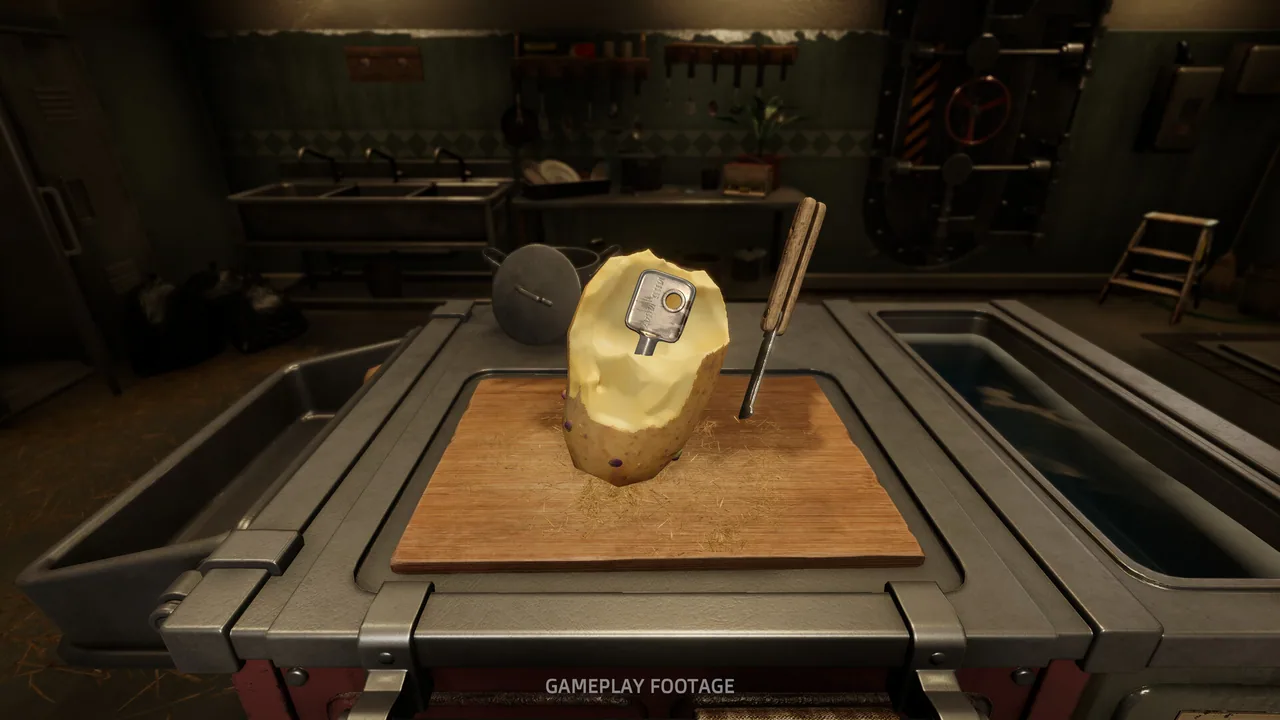
Potato Please Achievements: All 20 and How to Unlock Them
Every Potato Please achievement, grouped by type: peeling counters, automation, story flags and the four ending unlocks. Nineteen are safe, one is missable.

Potato Please All Endings: Three Levers and a Secret
Clear 60,000 potatoes, take the Golden Key, and the train board offers three destinations. What each ending unlocks, and the fourth that needs Pavel.
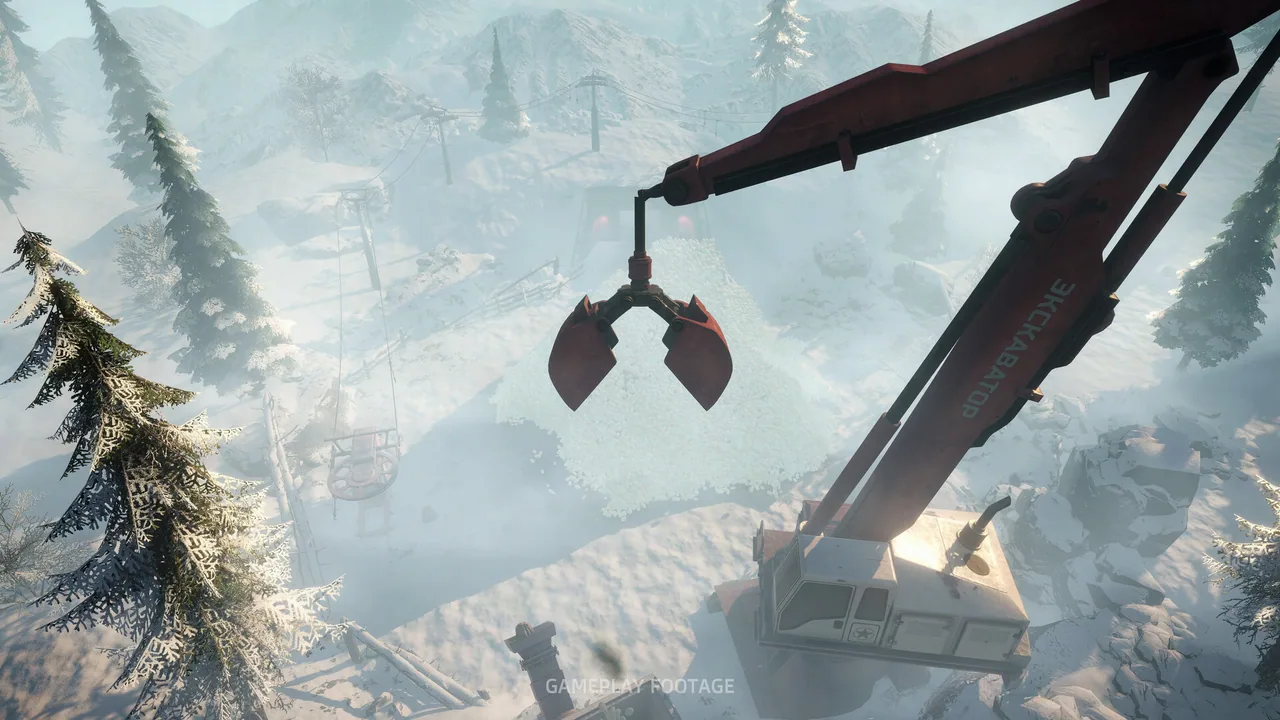
Potato Please Automation: The Machine Line in Order
A working Potato Please automation line, in dependency order: workbench, hand peeler, auto peeler, sack gantry, cableway and claw crane, with prices in RUB.
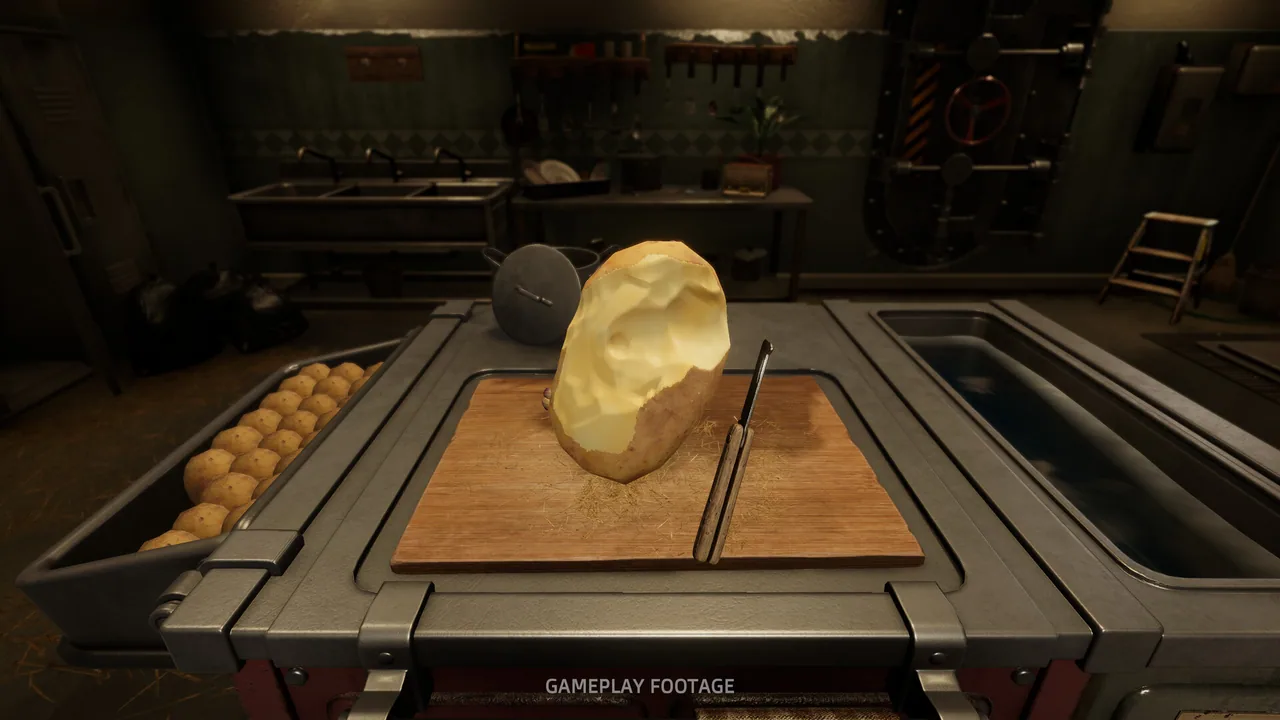
Potato Please Beginner Guide: Your First Two Shifts
The first two shifts of Potato Please: how peeling actually works, what to buy with your first rubles, and the three early mistakes that stall a run.

Potato Please Best Ending: Which Route to Pick
No Potato Please ending is best mechanically, but one route fits each run. Compare the three train endings and see them all from one completed save.
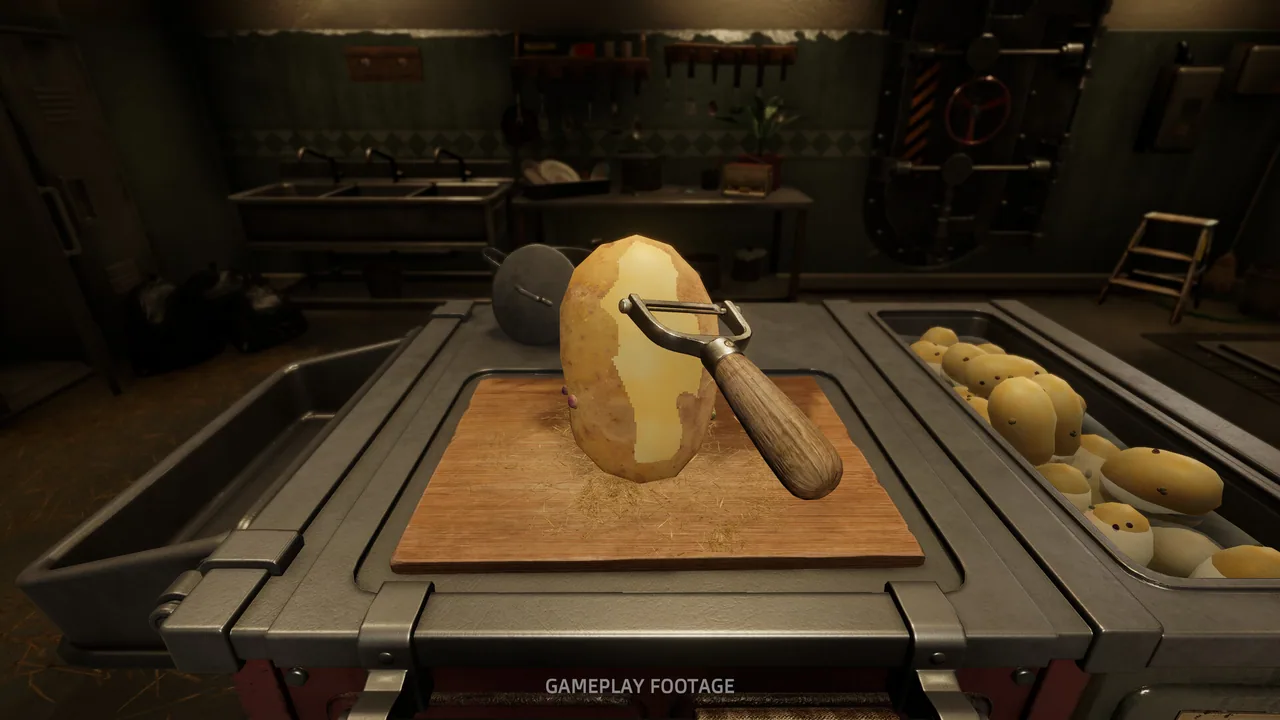
Potato Please Best Knife: Steel vs Rusty
The best knife in Potato Please is the Steel Knife at $2.70. See why it beats the Rusty Knife, when to buy it and what it cannot fix.
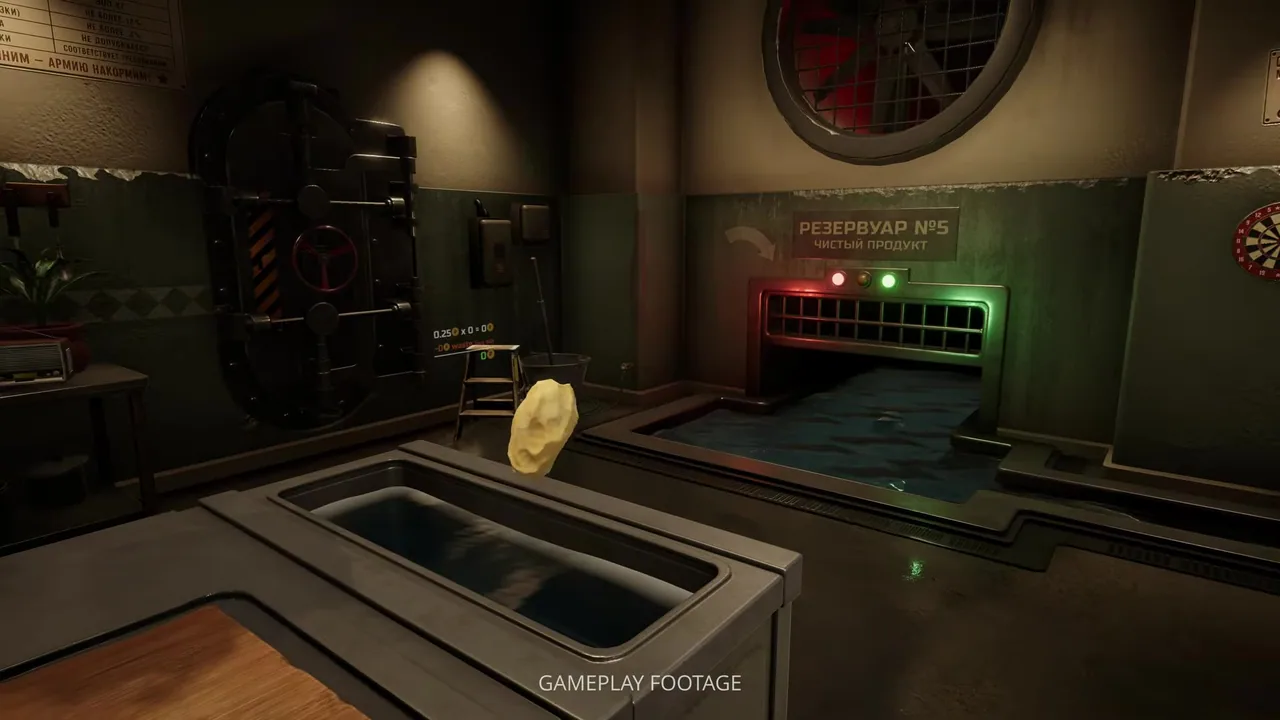
Potato Please Best Tools: Ranked for Each Phase
The best tools in Potato Please by phase, from the Steel Knife to the Auto Peel Machine, with prices and the jobs each one actually does.
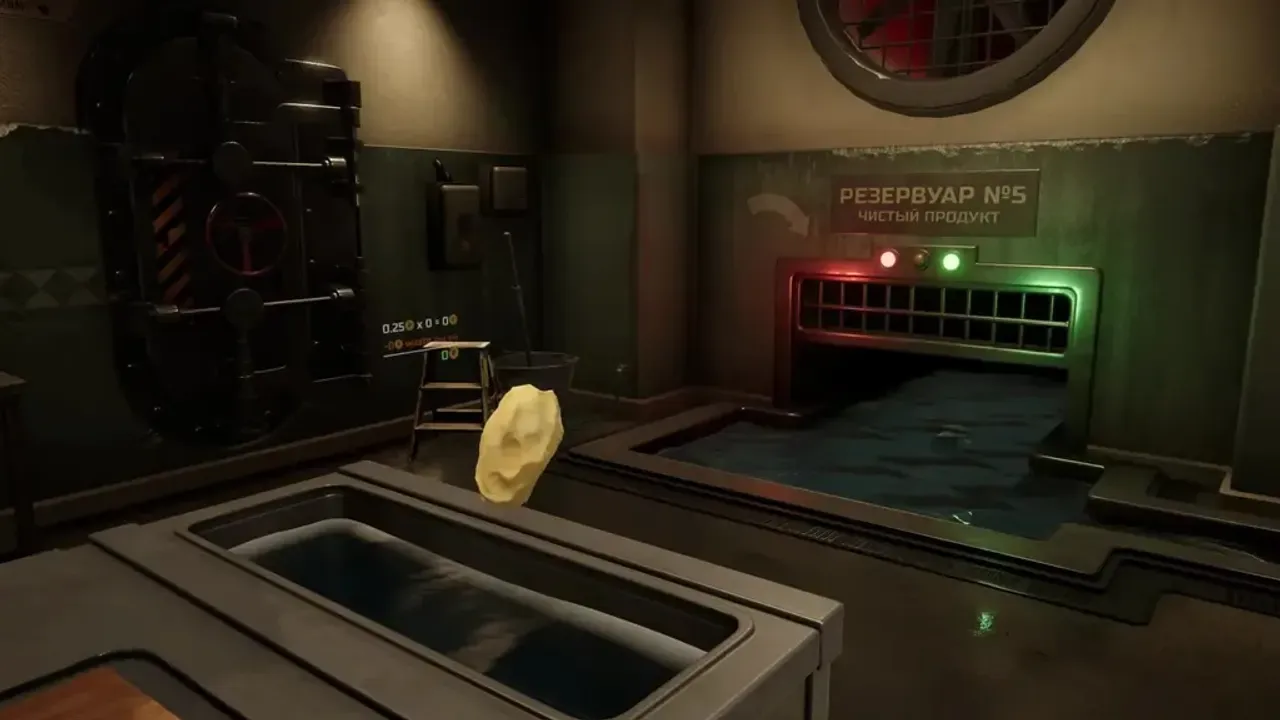
Potato Please Best Weapons: The Knife Is a Tool
Potato Please has no combat and no weapon list. What the knife actually does, which upgrades change peel speed, and what to buy first for the quota.