
Potato Please on Steam Deck: Playable Status and Settings
Potato Please is Steam Deck Playable, not Verified: one test fails on interface text. What that means, how the controls map, and which settings to change.
Valve's compatibility report lists Potato Please as Playable, not Verified, and the single failing test is interface text legibility. Everything else passes: the default controller layout works, the on-screen glyphs match the buttons, and the game holds a playable frame rate on the Deck's default configuration. If you were waiting for a green badge before buying, this is the badge you get.
What Playable means here
Playable is the middle verdict. Verified means a game needs no manual work; Playable means it runs, but you may have to read a small label or reach for the touchscreen. For this game the one item Valve flags is the text, which matters more than usual because so much of the story arrives as letters.
| Test | Result |
|---|---|
| Controller support | Pass, default configuration is fully functional |
| Glyphs | Pass, in-game icons match the Deck buttons |
| Performance | Pass at the default settings |
| Text legibility | Fail, interface text is hard to read |
| Overall | Playable |
How the controls map
The store page lists full controller support and the Steam Input API, and the game was built with a gamepad in mind: walking, carrying, peeling, sacking and the machine switches all have button equivalents. Patch 1.0.1 fixed a real controller bug where a plugged-in steering wheel, pedal set, flight stick or virtual joystick could make the character walk forward on its own or break WASD. The Deck's built-in pad was never the problem, but the fix is why a docked setup stopped misbehaving. The full input list is on the controls page→.
One limitation is worth repeating because it surprises people. The compatibility report notes that secondary controllers are not supported for the primary player, meaning the Deck's own controls are the input the game expects. Do not plan on a docked keyboard-and-mouse session with the Deck as the host.
1.0.3 and 1.0.1 both adjusted how long translated upgrade and objective names fit on screen. If your Deck install is on the launch build from 3 November, update first, then decide whether you need the magnifier.
Fixing the legibility problem
There is no in-game UI scale slider that fixes this, and the community's loudest complaint is about view options rather than text: a Steam discussion thread titled No FOV slider in 2026 is still open. What does work on the Deck:
- Steam's screen magnifier, held with the system button combination, for reading Pavel's letters without guessing.
- Playing in handheld mode rather than docked, so the text is physically closer.
- Turning on the game's accessibility options, added in 1.0.2, which include blood colour and colour-blind filters. They do not enlarge text, but they remove two sources of visual noise in the same menus.
Patch 1.0.4 made Pavel's letters appear only after the tutorial warm-up page is complete. On a small screen that is a gift: the early shift teaches you the controls before the story starts asking you to read paragraphs.
Performance on the Deck
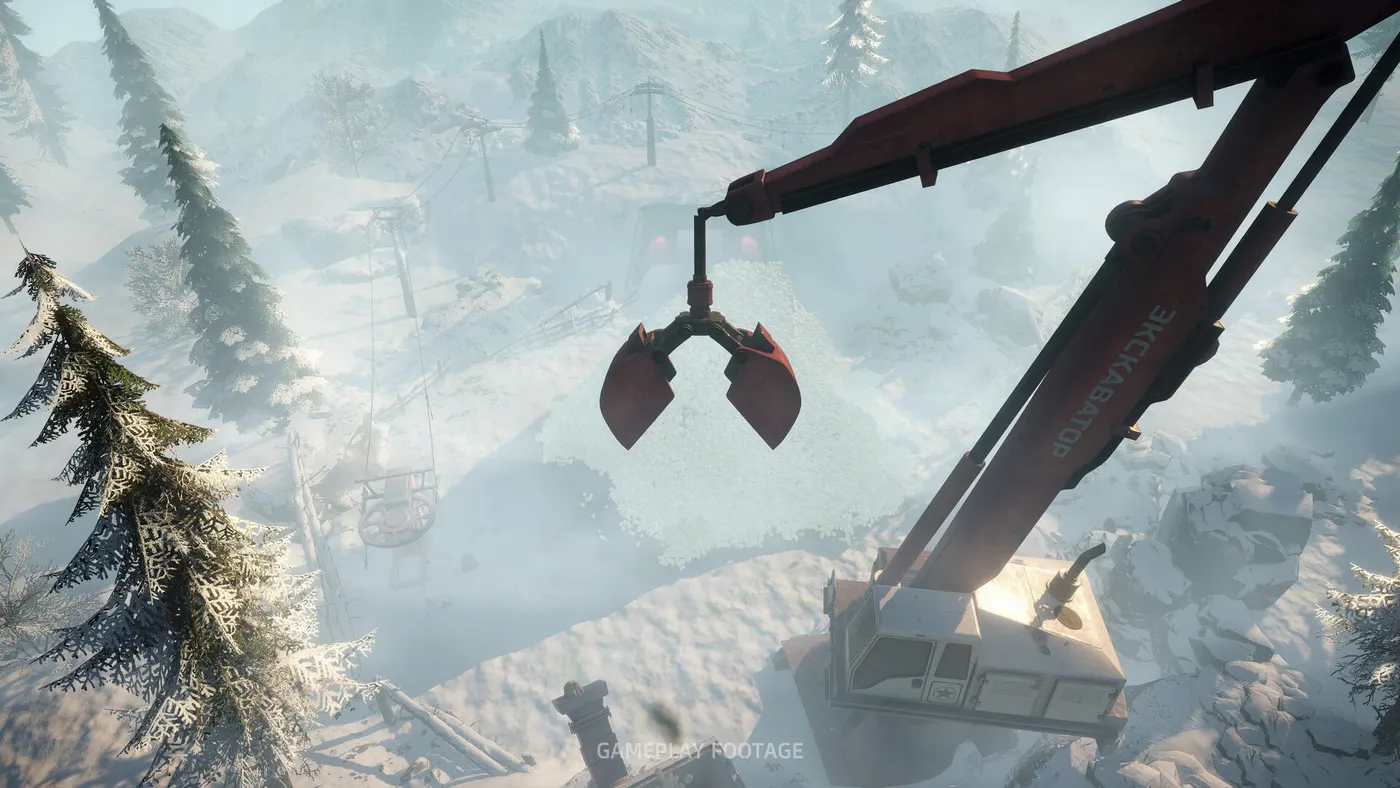
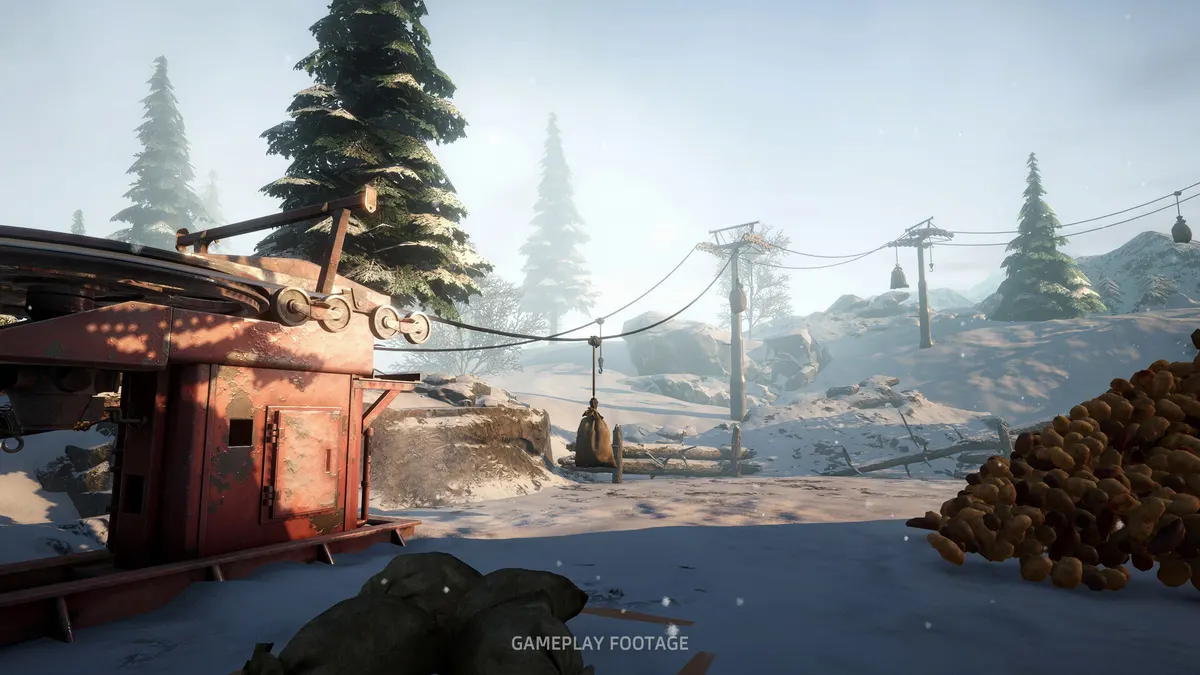
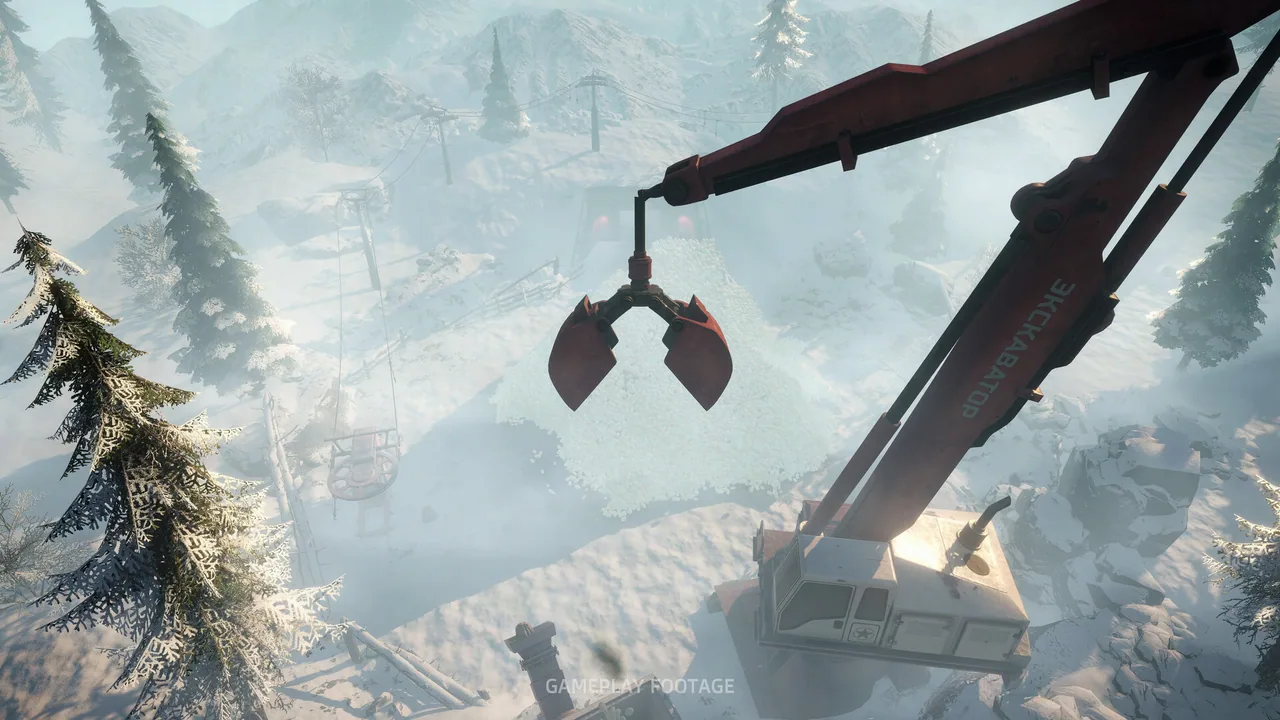
The game is DirectX 11 only as of 1.0.3, and integrated GPUs start on the Low preset. The Deck's APU falls into that category, so a fresh install will not be pushing the highest settings. Leave it there for the first shift and raise settings only after you have seen how the warehouse behaves with a full pile, since the heavy scenes are the late-game ones: water channels full of potatoes, the cableway running, and the claw crane working a stack.
If frame rate dips, the first thing to drop is not resolution. Patch 1.0.2 fixed a severe stutter and crash that came from the late-game water channel, so a steady install should not stutter; if yours does, verify the files before you start changing presets.
Does it run on SteamOS and Linux?
Yes. The report marks SteamOS as Playable on the same terms. A Steam discussion thread collecting Linux tips drew a reply from a player on CachyOS saying it plays like any Steam game on Windows. That is one user's report rather than a lab test, but it lines up with a DirectX 11 title running through Proton with the shader cache doing its job.
FAQ
Is Potato Please Verified on Steam Deck?
No, it is Playable. The only failed test is interface text legibility, and performance, controls and glyphs all pass.
Can you play with a keyboard and mouse on a docked Deck?
The compatibility report says secondary controllers are not supported for the primary player. Treat the Deck's own controls as the intended input.
Why is the text so small?
The game has no UI scale option for the letters and menus, which is the reason for the Playable verdict. Use Steam's screen magnifier.
Can you play the co-op mod on a Deck?
The mod needs Steam build 1.0.4 and the same mod version on every machine. Linux support for the mod itself is not documented, so a solo shift is the safe expectation.
Official source: Steam Deck compatibility report for app 5266240 ↗
Official source: Hotfix 1.0.3 is live ↗
Official source: Potato Please on Steam ↗
More Potato Please Guides
Potato Please Achievements: All 20 and How to Unlock Them
Every Potato Please achievement, grouped by type: peeling counters, automation, story flags and the four ending unlocks. Nineteen are safe, one is missable.

Potato Please All Endings: Three Levers and a Secret
Clear 60,000 potatoes, take the Golden Key, and the train board offers three destinations. What each ending unlocks, and the fourth that needs Pavel.
Potato Please Automation: The Machine Line in Order
A working Potato Please automation line, in dependency order: workbench, hand peeler, auto peeler, sack gantry, cableway and claw crane, with prices in RUB.
Potato Please Beginner Guide: Your First Two Shifts
The first two shifts of Potato Please: how peeling actually works, what to buy with your first rubles, and the three early mistakes that stall a run.

Potato Please Best Ending: Which Route to Pick
No Potato Please ending is best mechanically, but one route fits each run. Compare the three train endings and see them all from one completed save.
Potato Please Best Knife: Steel vs Rusty
The best knife in Potato Please is the Steel Knife at $2.70. See why it beats the Rusty Knife, when to buy it and what it cannot fix.
Potato Please Best Tools: Ranked for Each Phase
The best tools in Potato Please by phase, from the Steel Knife to the Auto Peel Machine, with prices and the jobs each one actually does.
Potato Please Best Weapons: The Knife Is a Tool
Potato Please has no combat and no weapon list. What the knife actually does, which upgrades change peel speed, and what to buy first for the quota.